
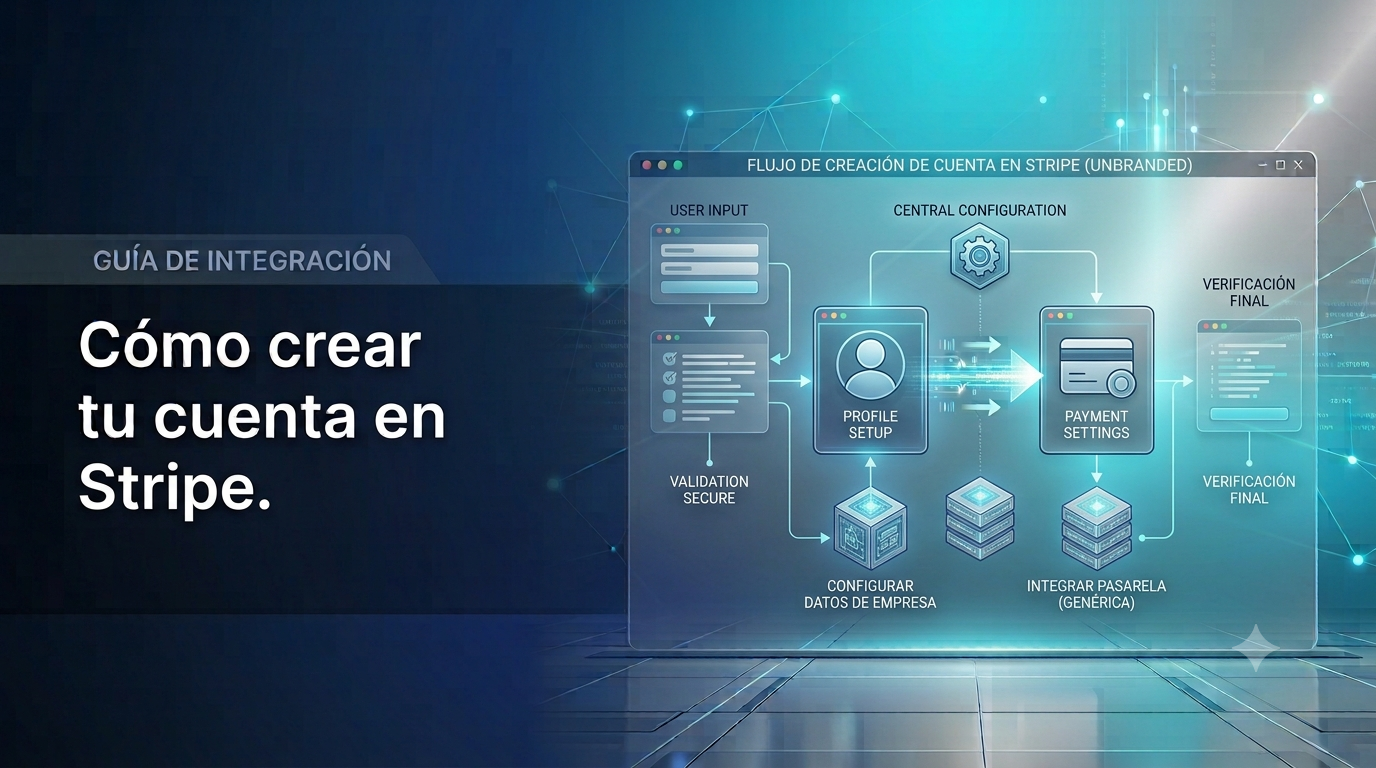
How to create your Stripe account
Sign up, activate your account, and get your API key — the first step to charging with your own Stripe account.
How to create your Stripe account
Stripe is the recommended option if your country is on its coverage list — it covers almost all of Europe, the United States, Canada, and in Latin America, for now, only Brazil and Mexico. You can confirm your exact country on the official Stripe list.
Step 1: Sign up
Go to dashboard.stripe.com/register (you can also do this directly from the "Don't have an account? Create one here" button in the Payment method module of your HUB). Fill in:
- Your email
- Your full name
- A password
Step 2: Activate your account
After signing up, Stripe will ask you to activate your account so you can charge in live mode (not just test mode). You'll need:
- Business details: legal name, country of operation, business type (individual or company)
- Tax details: your tax ID (NIF/RUT/EIN depending on your country)
- Bank details: the account Stripe will transfer your money to
- Identity verification: usually a valid ID document
Step 3: Get your API key
Once your account is activated:
- Go to Developers → API keys in the Stripe menu
- Copy the secret key (starts with
sk_live_...in live mode, orsk_test_...in test mode) - Save it somewhere safe — you'll need it in the next step
Next step
With this, your Stripe account is ready. Now connect it to your 3LIT3 HUB — follow the "How to connect your Stripe account with your 3LIT3 HUB" guide.